

1
Open API Keys
In your Edgee Console, navigate to API Keys.
2
Create a new key
Click Create API key, give it a name (e.g., “Development”), optionally set an expiration and spending limit, then click Create key.
3
Copy your key
Copy the generated Gateway key and store it securely. Keep it separate from your personal Console API token and your provider credentials.
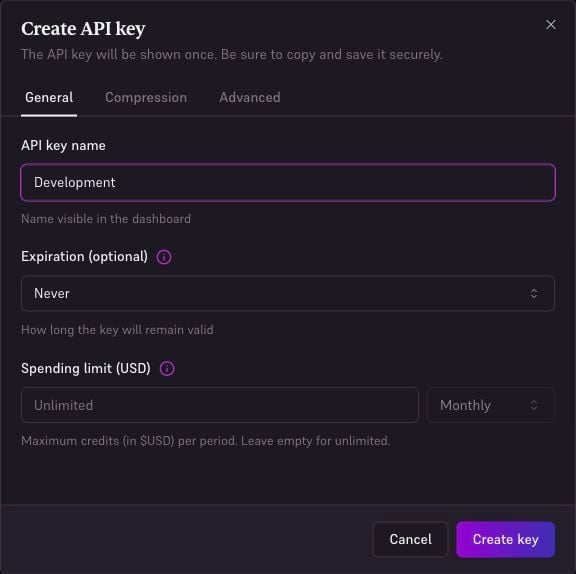
Create a standard API key for your application, with optional expiration and spending limit.